The Busy Bug

November 19, 2010

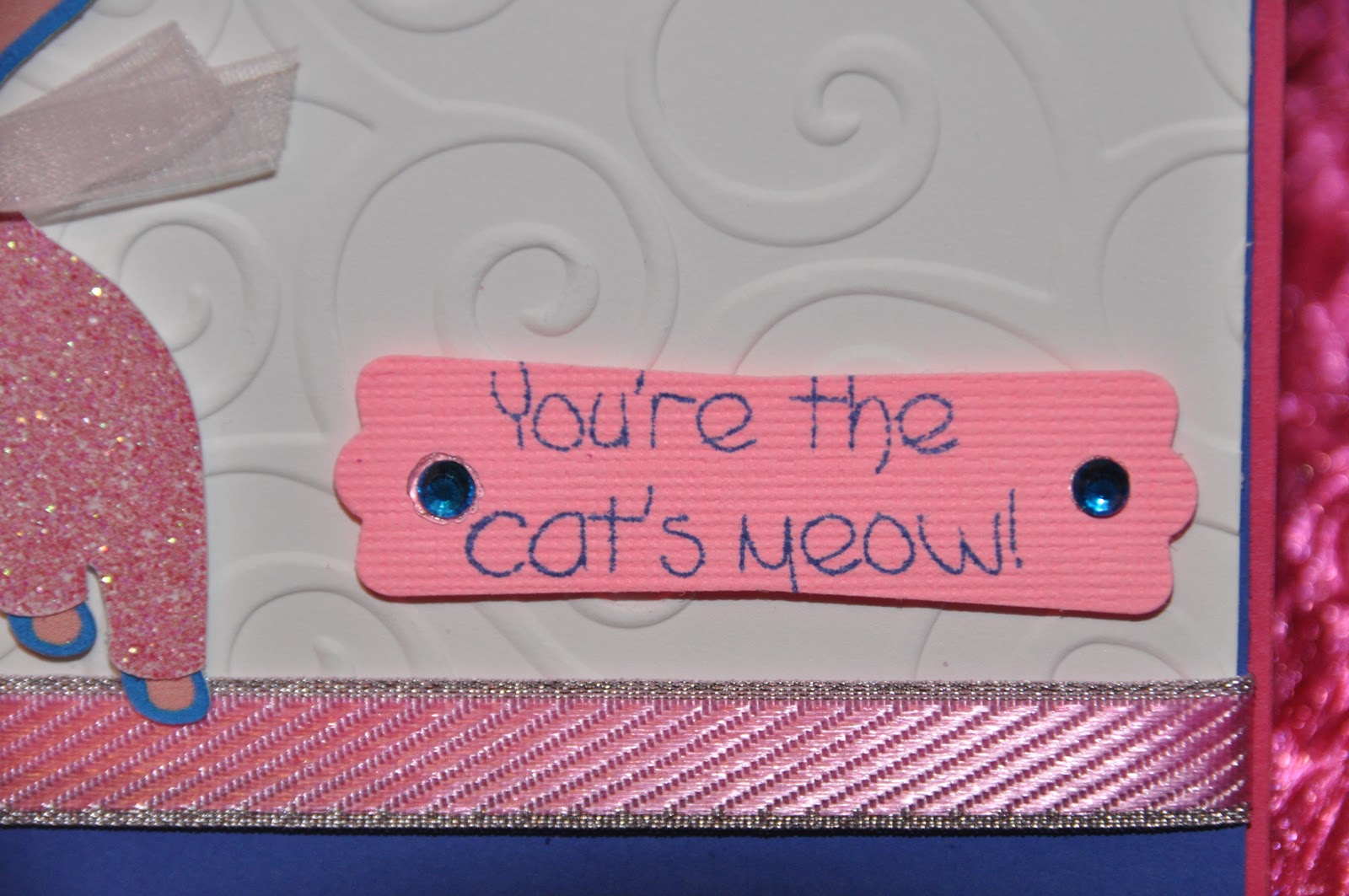
Project #43 - "You're the Cat's Meow"

Hello crafters, Robyn over at mypinkstamper.com
 (love her work!)
 is having a CRICUT IMAGINE CHALLENGE!  
Her challenge is to make something using your "Imagine"!  
The winner will receive a FREE Cart 
of their choice donated by 
Custom Crops!!!  
 Ohhh, I hope I win! 
I haven't used my Imagine for a while 
because I have been waiting for some supplies in the mail. 
Here is the card I entered in her challenge!


For my kitty's little pink glitter sweater
 I actually started out with WHITE glitter paper in the Imagine,
 not knowing what would happen. 
The Imagine actually colored the white glitter paper PINK!
  So you can make colored glitter paper from white glitter paper
 in the Imagine! IMAGINE THAT! 
Just one more thing about the Imagine that makes you go
HHmmmmm 
 :-)
 I  picked up the I-Rock yesterday 
from Roberts Craft 
and used it for the blue crystals
 on the title, 
nifty little tool!
Thanks for stopping by my blog....
Hope you have a wonderful Friday!
See ya soon!
Bug Hugs!

November 17, 2010

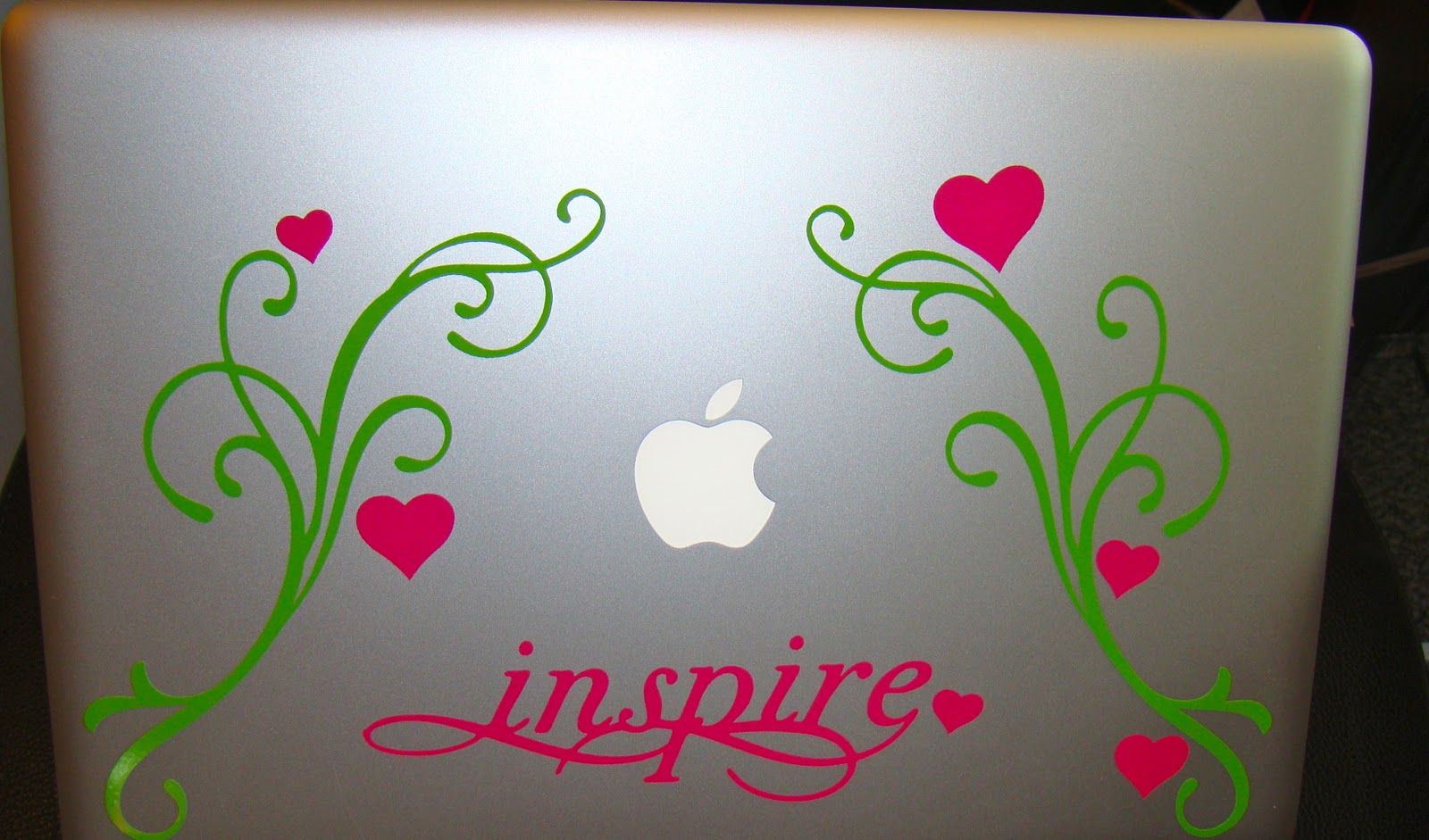
Project #42 - My MAC "HAD AN ATTACK!" :-)

Hello Crafters,  
MY MAC... HAD AN ATTACK!! 
 I decided to attack my Mac today.  It needed a little dressing up!  
So guess what I did!  Hehehe....time for some vinyl fun!  
I used the Cricut Cartridges 
Home Accent & Home Decor ( I love those carts)
&
 My Gypsy, of course. 
Isn't she just devine!
Hope you like my new, MAC-ATTACK!!, 
Bug Hugs!


 Designed on the Gypsy

More Gypsy...

The front,


The inside, 


 And the Back.  Have a great day!

November 15, 2010

Project #41 - Me & My Turkeys-Car Vinyl Project

Hello Crafters.
 I wanted to put something on my car
 that had to do with the fall season.
 I decide to include my family in this cute Car Decal! 
For this project I used
My Gypsy
Stretch your Imagination Cricut Cartridge
Vinyl
Alcohol
&
A Car window ;-)


I washed the car window with alcohol
 to get all the dirt, grease and grime off.
  It also helps the vinyl to stick better!

 I used the Cricut squeegee tool
 to make sure the vinyl lays flat.

 & here are Me & My Turkeys!  Bug Hugs!


Project #40 - Give Thanks. Peachy Keen Challenge

Hello crafters.  I just joined the Peachy Keen Challenge! 
 Head on over to
http://peachykeenstampschallenge.blogspot.com 
& join the fun!!
This is what you have to do, 
then you can win 
$25.00 GIFT CERTIFICATE to Peachy Keen Stamps! 

  • Create a project using your Peachy Keen Stamp Faces
  • Your project should include polka dots AND
  • Your project should include "White" as a main focal color
  • Enter your project in Mr. Linky BEFORE 11/19
So here's mine!  Bug Hugs!


November 14, 2010

Project #39 - Get Whale Soon.

Hello Crafters,
 I have wanted to feature this whale from
Create a Critter Cricut Cartridge
 in a project.  
I think she is the cutes whale ever! 
 Enjoy.  
Bug Hugs!


November 13, 2010

Project #38 - SnowFlake Card :-)

Hello Crafters.....it felt like we were going to get snow today,
 so I decided to do a snowflake card. 
 I won't call it a Christmas Cards,
 since it's not even Thanksgiving yet!  
Enjoy.  
Bug Hugs!


November 11, 2010

Busy Bug Babble - My Vinyl Haul!

Hello crafters.  I just received my order from signwarehouse.com and thought I would post my haul.  When I order from Sign Warehouse, I always order the 24 x 10. That's 24inch for the width and 10 yards, length.  You can also get 50 yard rolls.  I always ask them to cut the roll in half.  So I end up with two rolls of each color, that's 12inch x 10ft and ready for me to cut on my Cricket!  Here are a few pictures of my Haul!

THEY HAVE THE BEST VINYL..(I don't work for them..I just order from them)


 This is the cut roll.  It was 24 x 10.  After the cut it's now 2 sets of 12inch x 10ft rolls.

The colors are: starting from top left,
Azure Blue, Red, Soft Pink, Lavender, Violet
White, Dark Green, Lime Tree Green, Pink, Black & Silver Grey Metallic 

This is how thick each roll is! 
I must say, I am all set with vinyl for a while :-)
Keep watching my blog  for some cool vinyl projects to come!
Bug Hugs!

Busy Bug Babble... I finally did it! Ribbon Organizer.

Oh my, I finally did it.  I broke down and got the ribbon organizer from http://www.ribbonring.com.  I have wanted to organize my ribbons for so long now.  I've seen this system before and have wanted it for a while now.  Didn't know anything about it until I saw this post on the Cricut Community site.  (scrapbook rooms) "My Little Yellow Dungeon".
Her blog is http://original-scraplifter.blogspot.com.  Check out her ribbon organization.  It's the "BOMB"!


Guess what I will be organizing next!!  Hehe....

This is my ribbon storage NOW!!


FAIL!  "As my son would say!
I'll post the after pictures when I receive and organize my ribbons!
Until then...Bug Hugs.

November 10, 2010

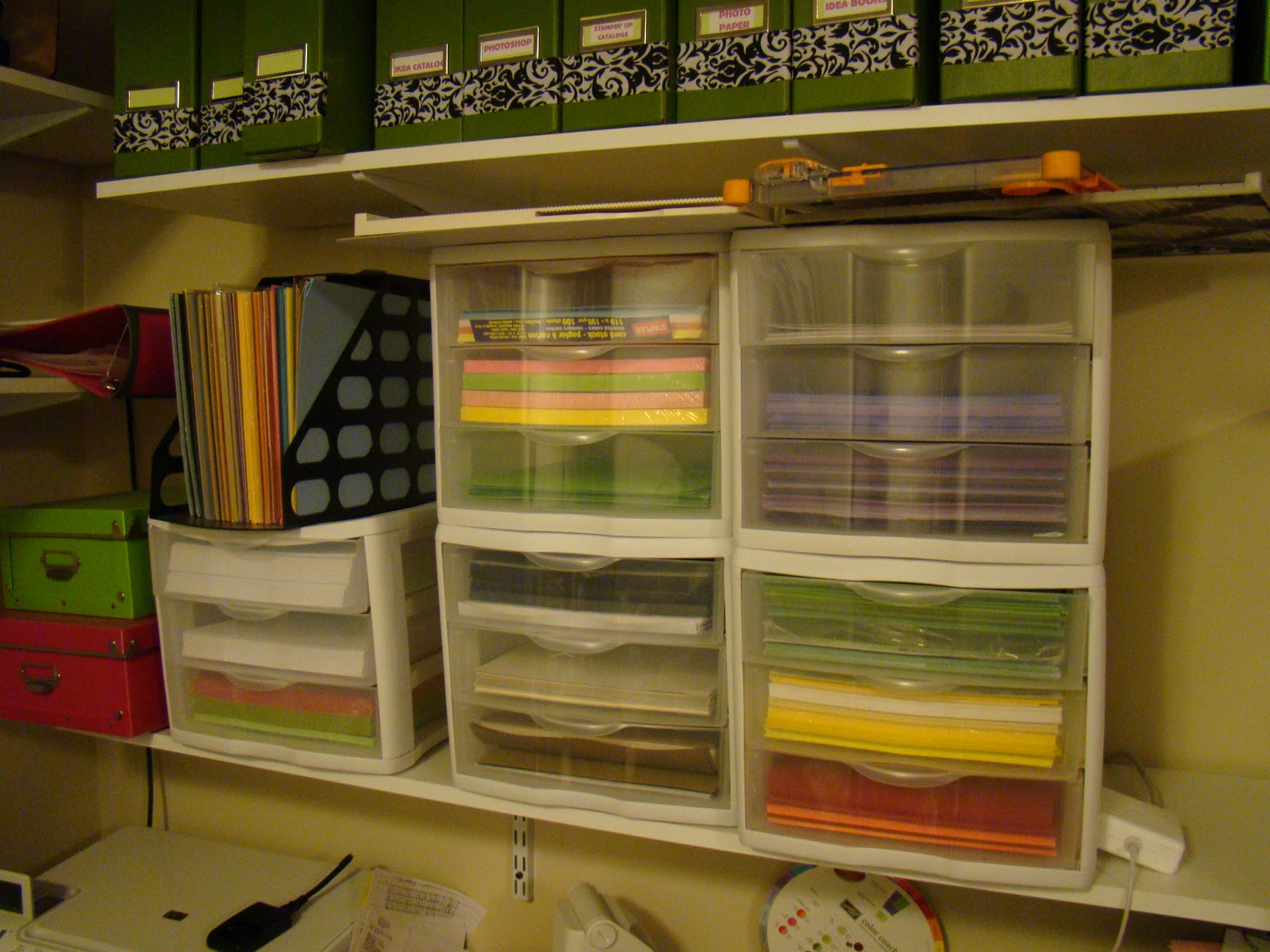
Project #37 - Scraproom Makeover-Paper Storage

Hello crafters.  I have been away much too long.  I have been so busy cleaning, cleaning and yes cleaning!  It never ends! I took a break and cleaned some more, :-) but this time it was for me!  I hated my 8 1/2 x 11 paper storage area which was right above my desk.  I just never liked what it looked like, and it wasn't very efficient.   I couldn't see what type of paper I had, because they were inside the drawers.  The drawers were constantly falling down, into the drawers below because the papers were too heavy.  I decided to get some more Jetmax Drawers from Michaels.
Here is the before picture (hated it!)


And this is after!   "JETMAX" to the rescue.... So Much Better....Ahhhh   ;-)


BUG HUGS!!

November 08, 2010

Busy Bug Babble... Wow, my blog has ATTITUDE!! Don't ya love it!


Hello crafters, I received an award from my dear blogger friend Jen!  Thanks Jen, for tchoosing me for this ward.  You can visit Jen over at her blog http://jennyscards.blogspot.com,she has some really neat projects.  To accept this award and be eligible for the $5.00 free dig certificate, I need to list 3 things that make me or my blog different.  And then post it on 5 additional bloggers site.  Display the badge/award on your sidebar linking to the Digis with Attitude Challenge Blog.  Please visit the Digi's with Attitude site for the guidelines  http://digiswithattitudechallenges.blogspot.com/p/i-got-attitude-blog-award.html.  Nominate FIVE people (that you think have ATTITUDE) to get this award, and if they follow through with the "rules", they receive a $5 gift certificate from Digi's with Attitude!
The three things that make my blog different are:
One..
I love exploring new blogs and subscribing to them so that I can get inspired and see their creations as they are posted.
Two...
I absolutely love using my Cricut to create and to share my creations with all my followers/subscribers. 
And three,
I absolutely love to answer questions and explain techniques whenever my followers/subscribers need help.

I need to give this award to 5 bloggers that deserve this award because they are fabulous followers.  It was really hard to choose just 5, since you all are so awesome!!


1. Jen          - http://jennyscards.blogspot.com/
2. Christina - http://www.creationswithchristina.com
3. Cristi       - http://scrappin5littlecupcakes.blogspot.com
4. Robyn     - http://www.mypinkstamper.com
5.  Sarah     - http://www.pinkcricut.com


Thank you all for visiting and commenting on my blog.  

November 06, 2010

Busy Bug Babble... Best Viny Everl!!

Hello crafters.  I just ordered the vinyl for my fabulous Christmas Garage Door project.  I have  been planning this for a while now.  I ordered the vinyl from.. guess who....


They have the BEST Vinyl EVER!.  I mentioned in earlier post about this vinyl.  They are the same as oracle.com.  You order through signwarehouse.com instead.  I can hardly contain myself.  It's gonna be fabulous!!!  Stay tuned!!  Have a great weekend!  Bug Hugs!

November 04, 2010

Project #36 - Chocolate Chip Cookies

Hello crafters!.  I have something different for this post today.  I have been so busy in my kitchen for the past two days, cooking and baking.  I really miss my scrap room.  I think I will visit it tomorrow!  But for today, I made the most delicious cookies ever!  I mean, I have made my share of cookies for my kids and husband, but this one takes the "COOKIE"!  It's just a simple chocolate chip cookie, with a little addition in the ingredient.  I think the baking soda does the trick.  The cookies come out crispy on the outside and nice and soft on the inside.  Here is the recipe,

I can't keep the kids away from them!
INGREDIENTS:

1 cup butter, softened
1 cup white sugar
1 cup packed brown sugar
2 eggs
2 teaspoons vanilla extract
3 cups all-purpose flour
1 teaspoon baking soda
2 teaspoons hot water
1/2 teaspoon salt
2 cups semisweet chocolate chips
1 cup chopped walnuts (optional)

DIRECTIONS:
1.Preheat oven to 350 degrees F (175 degrees C).
2.Cream together the butter, white sugar, and brown sugar until smooth. Beat in the eggs one at a time, then stir in the vanilla. Dissolve baking soda in hot water. Add to batter along with salt. Stir in flour, chocolate chips, and nuts. Drop by large spoonfuls onto ungreased pans.
3.Bake for about 10 minutes in the preheated oven, or until edges are nicely browned. ENJOY!

BUG HUGS!


November 02, 2010

Busy Bug Babble... Gypsy Update Nov 2010!


Hello Crafters,  I hope this reaches you all in time.  I just wanted to let everyone know that because ProvoCraft had technical difficulties yesterday they have extended the Gypsy Update until tonight.   You can still get the 6 free cartridges uploaded onto your Gypsy! 
 Free cartridges include:
Smiley Cards (new and exclusive to this promotion) 
Tags, Bags, Boxes and More (not available in retail) 
Christmas (not available in retail) 
Blackletter (not available in retail) 
Printing Press (not available in retail) 
Indie Art (not available in retail) 


 I had a hard time updating my Gypsy with my Mac, so I used my PC instead.  Also, you have to use the Cricut Sync, not the Gypsy sync.  If you don't have the Cricut Sync Icon on your desktop,  go to Cricut.com, and in the Custom Search bar on the top right of the web page, type in CRICUT SYNC.  Then go down the page and click on SUPPORT CRICUT......Then click on PC DOWNLOAD.  Then follow all the instructions to RUN the program.  It takes a little while to download.
 Here is a little of what you will see as you are Updating the Gypsy....

Install Cricut Sync
Continue
I Agree
Connecting to Device, this is where you need to turn on your Gypsy and connect it to the PC.
Connecting to Gypsy
Checking for updates
And go on from there.
Good luck.
Bug Hugs!!